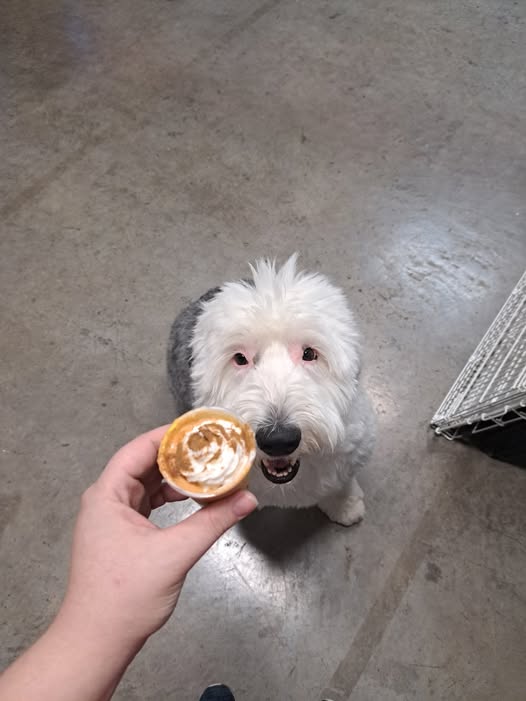
Hi, I'm Bindi! Welcome to my world 🐾
Hi, I'm Bindi! Welcome to my world 🐾
Add new stops to Bindi's travel map & calendar
Reads GPS coordinates & date from your photo metadata (EXIF). Works best with photos taken on your phone with location ON.
🖼️ Drag & drop photos here
or click to select from Bindi / Doug folder
Paste your Facebook check-ins below (copy from Facebook → Check-ins page). Each entry becomes a trip stub you can add photos to later!
Type the place name — a Google Maps link will be auto-generated
Click anywhere on the map to auto-fill coordinates, or paste from EXIF
Leave blank to auto-format from the date above
Drop image files, browse to select, or paste a URL. Photos are auto-copied to your images/ folder!
Facebook post, Instagram reel, TikTok, Yelp, or any URL related to this stop
A fun fact or quick description of the location — shows on the postcard!
What would Bindi say about this adventure? Write in her voice!
Shows as a round postmark stamp on the postcard — just the city/state
Override the stamp emoji. Auto-picks based on tags: dog parks→🐕, museums→🏛️, battlefields→⚔️, etc.